What you'll learn
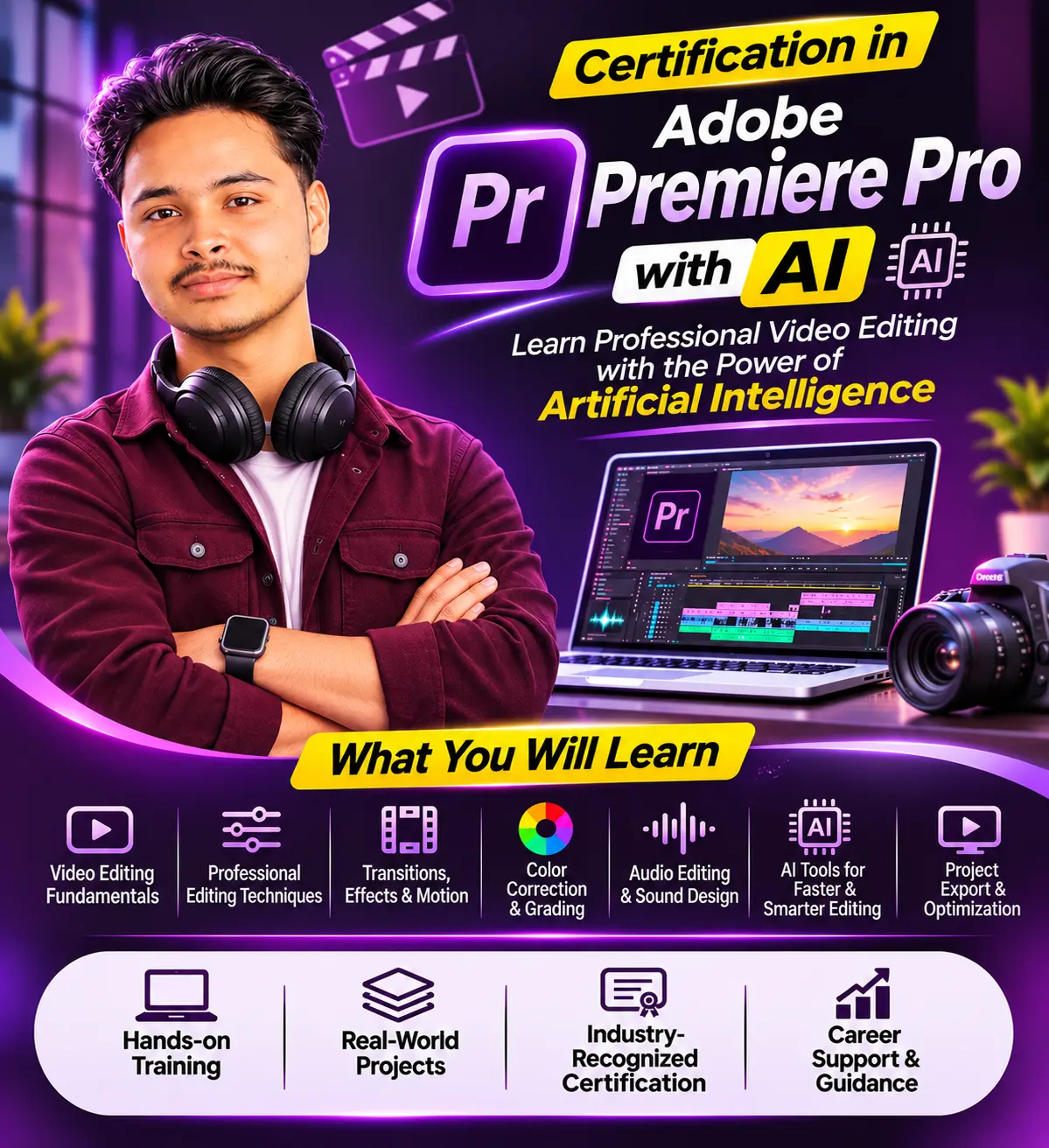
Turn your creativity into professional video-editing skills! Learn to create stunning videos, cinematic edits, engaging Instagram Reels, YouTube Shorts, promotional videos and professional advertisements using Adobe Premiere Pro with AI-powered tools.
✨ What You Will Learn:
- Adobe Premiere Pro – Basic to Advanced
- Professional Video Editing Techniques
- Cutting, Trimming & Timeline Editing
- Transitions, Effects & Motion Graphics
- Color Correction & Cinematic Color Grading
- Audio Editing & Sound Design
- Green Screen & Chroma Key Editing
- AI-Powered Video Editing Tools
- Automatic Captions & AI Audio Enhancement
- Instagram Reels, YouTube Shorts & Long Videos
- Professional Video Exporting
🚀 Why Choose NLCI?
- 100% Practical-Based Training
- Industry-Focused Curriculum
- Real-World Editing Projects
- Latest AI Tools Integration
- Portfolio Development
- Expert Faculty Guidance
💼 Career Opportunities:
Professional Video Editor | YouTube Video Editor | Social Media Content Creator | Freelance Video Editor | Motion Graphics Assistant | Digital Content Creator
Start your creative journey with NLCI Animation & Development and turn your passion into a profession!
Show More
Course Syllabus
Total Duration: 150 Hours
Suggested Course Period: 3 Months
Module 1: Introduction to Video Editing (8 Hours)
- Introduction to Video Editing
- Types of Video Editing
- Video Formats, Resolutions and Frame Rates
- Understanding Video Production Workflow
- Introduction to Professional Editing Software
Module 2: Adobe Premiere Pro Fundamentals (12 Hours)
- Introduction to Adobe Premiere Pro
- Workspace and Interface
- Project Creation and Settings
- Importing and Managing Media
- Timeline, Tools and Panels
- Organizing Files and Folders
Module 3: Basic to Advanced Video Editing (20 Hours)
- Cutting, Trimming and Splitting Clips
- Timeline Management
- Multi-Track Editing
- Speed and Duration Control
- Slow Motion and Fast Motion
- Keyframes and Animation
- Nested Sequences
Module 4: Transitions and Video Effects (12 Hours)
- Video Transitions
- Creative Effects
- Effects Controls
- Masking Techniques
- Stabilization
- Motion and Transform Effects
Module 5: Color Correction and Grading (15 Hours)
- Understanding Color Theory
- Lumetri Color Panel
- Exposure and White Balance
- Color Correction
- Cinematic Color Grading
- Professional Color Looks
Module 6: Audio Editing and Sound Design (10 Hours)
- Audio Importing and Editing
- Background Music and Sound Effects
- Audio Transitions
- Noise Reduction
- Voice Enhancement
- Audio Mixing and Balancing
Module 7: Titles, Graphics and Motion (10 Hours)
- Text and Title Creation
- Lower Thirds
- Animated Titles
- Essential Graphics
- Motion Graphics
- Subtitles and Captions
Module 8: AI-Powered Video Editing (18 Hours)
- Introduction to AI in Video Editing
- AI-Based Editing Workflows
- Automatic Speech-to-Text
- AI Caption Generation
- AI-Powered Audio Enhancement
- Automatic Reframing
- AI-Assisted Content Creation
- Integration with Other Creative AI Tools
Module 9: Green Screen and Advanced Techniques (10 Hours)
- Chroma Key and Green Screen
- Background Replacement
- Advanced Masking
- Multi-Camera Editing
- Advanced Editing Techniques
Module 10: Social Media and Professional Content (10 Hours)
- Instagram Reels Editing
- YouTube Video Editing
- YouTube Shorts
- Promotional and Advertising Videos
- Corporate Videos
- Social Media Video Formats
Module 11: Exporting and Publishing (5 Hours)
- Export Settings
- Video Compression
- Resolution and Format Selection
- YouTube and Social Media Export
- Professional Delivery Workflow
Module 12: Practical Projects and Portfolio (20 Hours)
- Promotional Video Project
- Cinematic Video Editing
- Social Media Reel Project
- YouTube Video Project
- Product Advertisement
- Final Professional Video Editing Project
TOTAL: 150 HOURS
Practical Project Outcomes
Students will create:
- Professional YouTube Video
- Instagram Reel and YouTube Short
- Promotional Advertisement
- Cinematic Travel Video
- Product Promotional Video
- Final Portfolio Project
Assessment: Practical assignments, editing tests, mini-projects and final portfolio evaluation.
 Bestseller